
Technical 3D animation: show how the machine works
A technical 3D animation is built from the product's CAD model and shows its motion the way it really happens. See an example and how the same video is used in sales, at trade fairs and in training.
Short answer
A technical 3D animation is a video built from the product's own CAD model that shows its motion the way it actually happens. When a device turns, lifts or locks, a photo can't show it. A 20-second video can.
Key takeaways
- It starts from the CAD model, so dimensions, joints and paths match the real device.
- Motion is simulated. The load sways and tilts the way it should.
- One model gives a product page video, a trade fair loop, a training cut and stills.
- The video answers the buyer's question before they need to call sales.
Example: a roll turning device
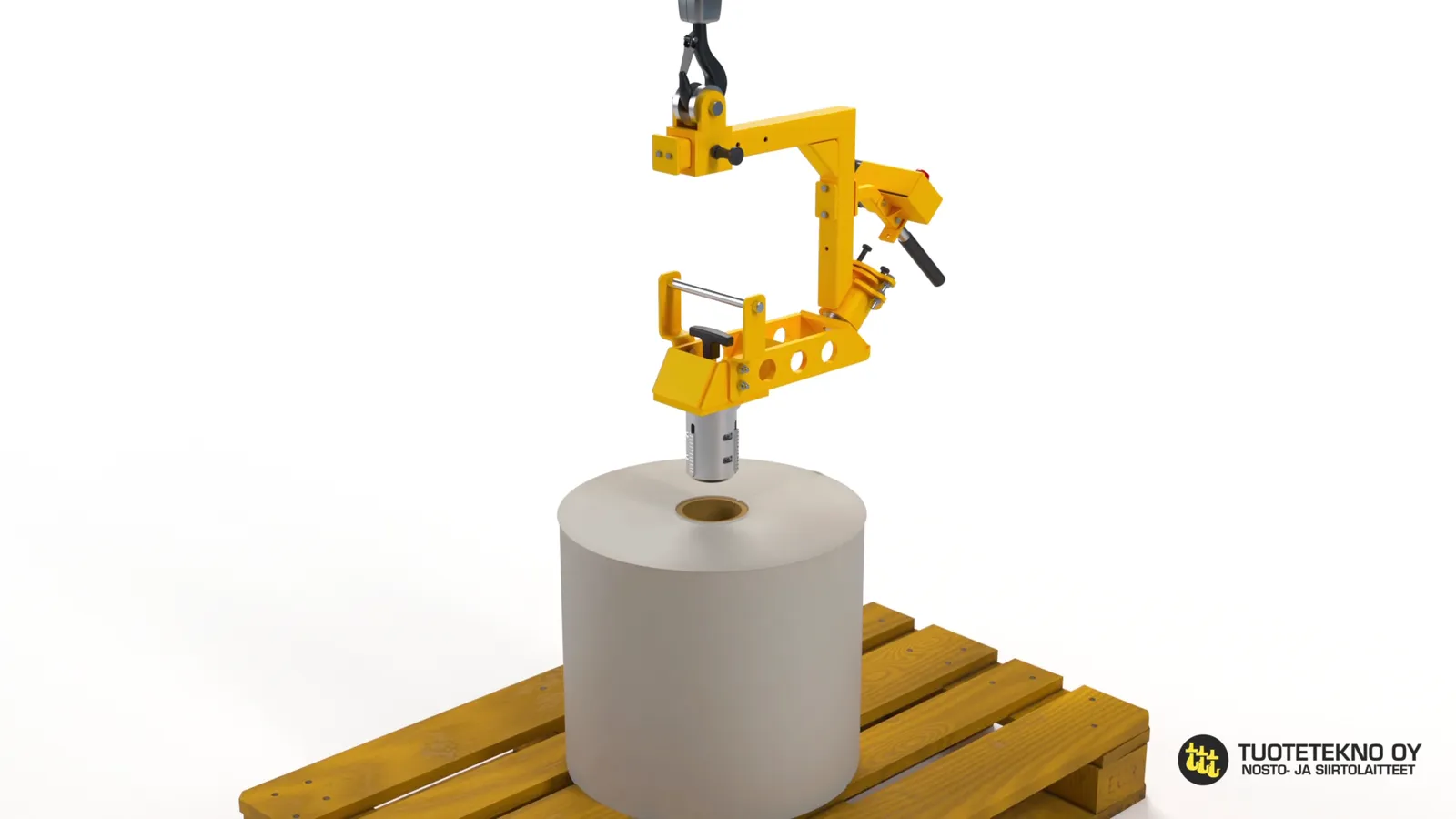
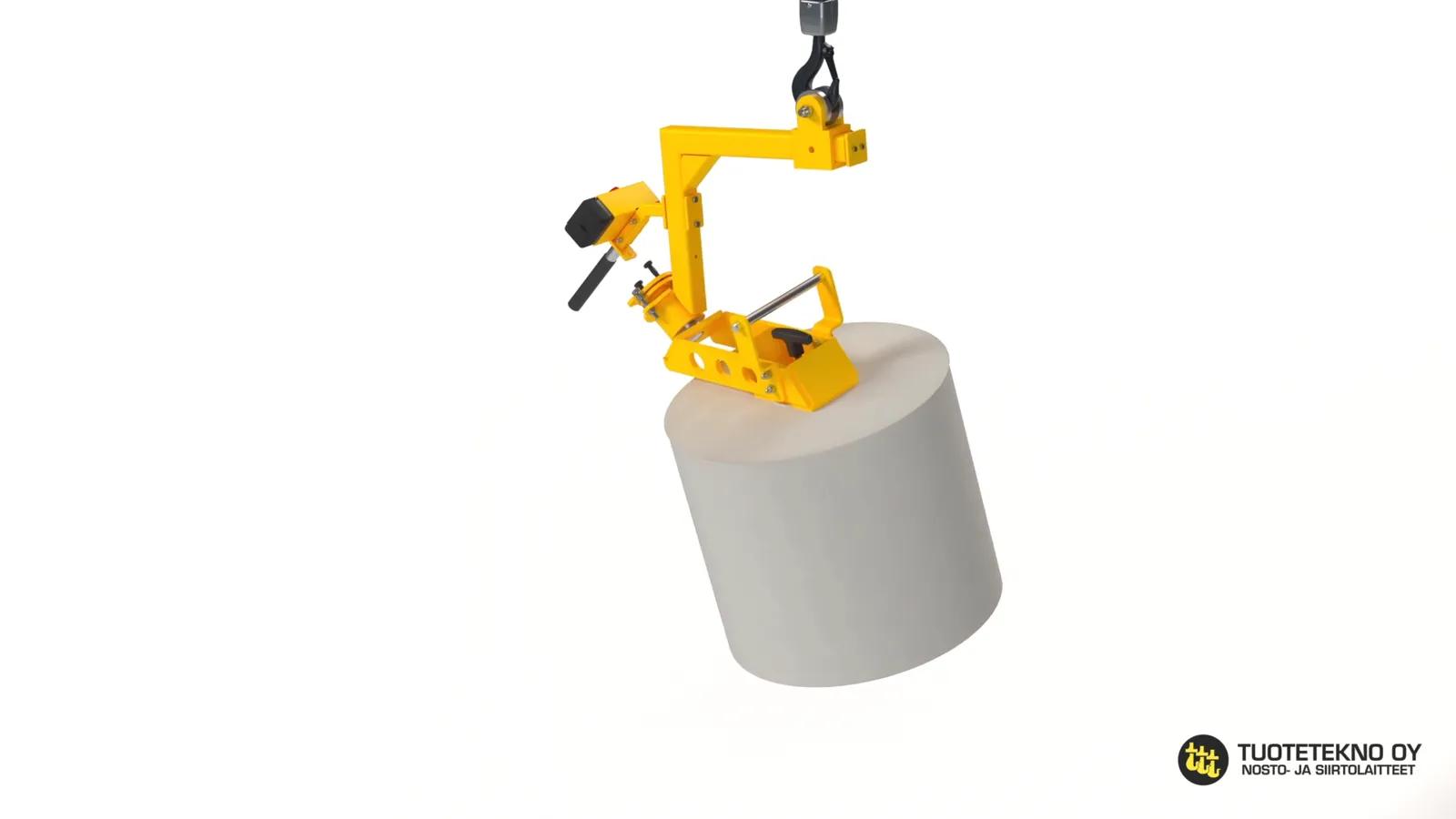
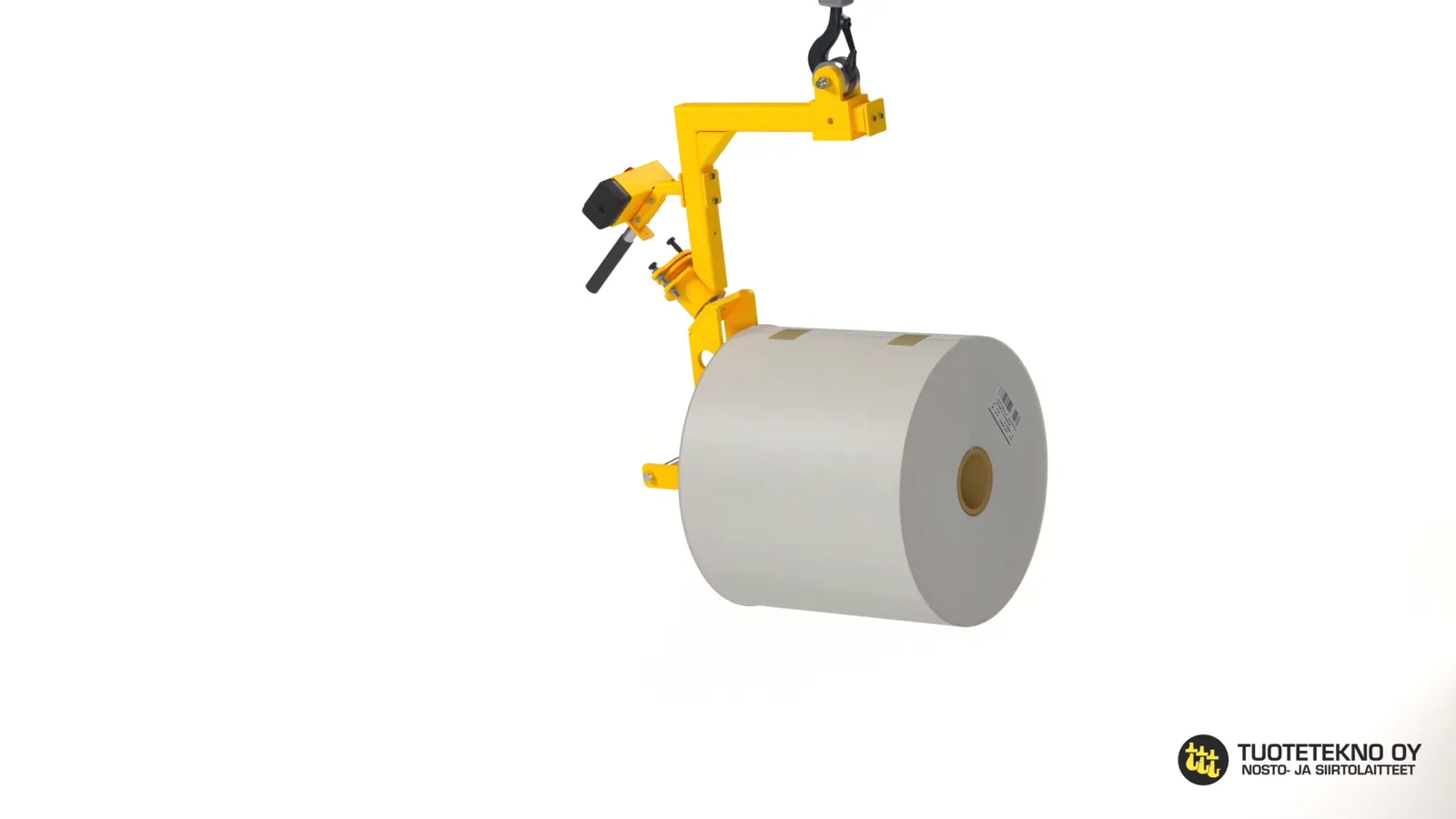
With a roll turning device a paper roll is picked upright from a pallet, turned horizontal and loaded into a machine. The idea only clicks once you see the turn.
The 31-second video below was made for a product page. The same 3D scene can also be cut into a longer training version or a silent trade fair loop.
I made this animation for Tuotetekno Oy together with Mikko Zaitsev at Loistopixel. Zaitsev’s experience helped us see the whole sequence and gave us confidence in our choices. When the machine’s movement, camera angle and pacing work together, the viewer can follow the entire operation.
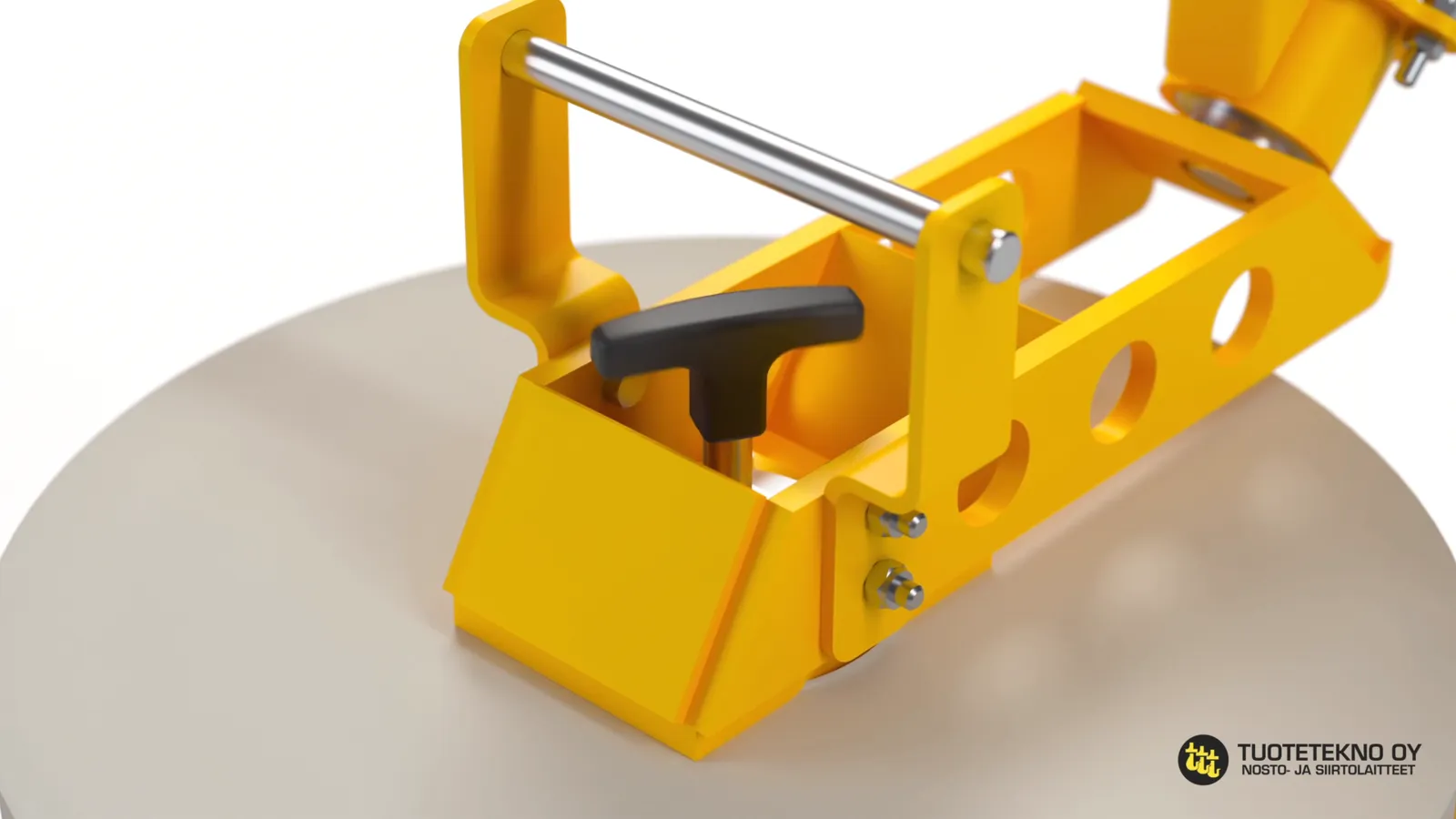
The motion in four steps
The same steps as stills. They work next to the video on a product page, in a brochure and in a manual, where moving images can't be shown.
How was it made?
The manufacturer's STEP model had 115 parts. I brought it through Rhino into Blender and located the joints. The turning joint sits at 45 degrees, so half a revolution makes the vertical spindle horizontal.
Crane travel, chain sway and the spindle entering the roll core were calculated with a physics simulation. Hundreds of runs were tried and the calmest one was chosen. Before rendering I checked close-ups of every attachment point, because an engineer spots a chain passing through a housing straight away.
The animation was made together with Mikko Zaitsev of Loistopixel.
Where can a technical animation be used?
Once the 3D scene exists, a version can be cut for every place where the device is sold or taught.
- Product page: buyers understand how it works without a call, and stay on the page longer.
- Sales tablet and video calls: sales shows the motion instead of describing it, the same way every time.
- Trade fairs: a silent loop stops passers-by even when the real device isn't on the stand.
- Quotes and brochures: a video link or QR code helps when the decision-maker wasn't in the meeting.
- Training and onboarding: new operators see the steps in the right order before touching the device.
- Social and LinkedIn: 6–10 second clips show the product working at scrolling speed.
- Resellers: ready-made material, so nobody has to film the device themselves.
What does it change in sales?
Often the biggest gain is that sales and customer look at the same picture. Once the buyer sees where the device grips and how much space it takes in front of the machine, the talk moves faster to price and delivery.
The second gain comes later. When the product gets a new version, the model is updated and the video re-rendered. No film shoot needed.
When is it worth making one?
- The device has a motion that one picture can't show.
- The product is new and there's no footage from a real installation yet.
- The device is large, at a customer site or only on drawings, so filming it is hard.
- Sales explains the same thing week after week.
What do you need to start?
A CAD model (STEP, SolidWorks, Inventor or Rhino) and a short description of how the device is used. Footage of real use or load dimensions make the motion more believable.
Frequently asked questions
What is a technical 3D animation?
A video showing how a device works, based on its own CAD model. Compared with an advert, what matters most is that motion and dimensions are correct.
Do you need a CAD model?
It's the fastest and most accurate route. Without one the device must be modelled from photos, which takes longer and leaves guesswork in the dimensions.
How long should the video be?
20–40 seconds for a product page. A longer training cut can be made from the same material.
Can the model be reused later?
Yes. The same scene gives stills, social clips, new camera angles and, if needed, a 3D model people can rotate in the browser.